If you are planning network cabling for an office, factory, hotel, or data room, you will encounter two terms early: MDF and IDF. The MDF vs IDF distinction is not a choice between competing systems; they are the central and local layers of one structured cabling architecture.
The MDF is the building’s central network room. IDFs are the smaller distribution points that extend connectivity to individual floors or zones. Understanding the distinction makes it much easier to choose the right fiber backbone, patching hardware, and growth capacity.
MDF vs IDF at a Glance
| Planning point | MDF (Main Distribution Frame) | IDF (Intermediate Distribution Frame) |
|---|---|---|
| Role | Central network hub for the whole building | Local distribution point for a floor or zone |
| Location | Main equipment room, usually near the service entry | Telecom closet or cabinet near end users |
| Typical equipment | Core switch, firewall, carrier handoff, main fiber patch panel, UPS | Access or PoE switch, local patch panel, fiber termination, compact UPS |
| Cabling responsibility | External services and backbone links to IDFs | Backbone termination plus horizontal runs to devices |
| Design priority | Capacity, redundancy, security and cooling | Copper reach, port density and local uptime |
What Is an MDF?
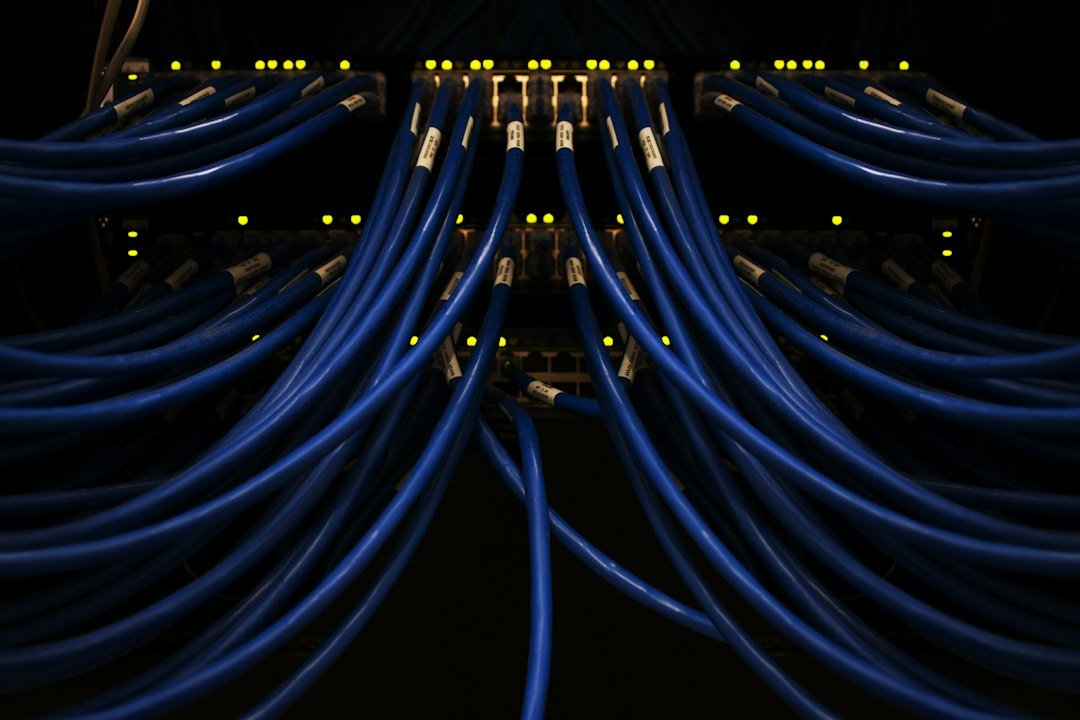
An main distribution frame is the primary connection point for a building network. It is where carrier or ISP services enter the premises and where the network’s core equipment is normally located. From the MDF, dedicated backbone links run to each IDF.
In a modern deployment, an MDF often includes a core router or Layer 3 switch, firewall, optical distribution frame or fiber patch panels, cable management, UPS equipment, and the primary equipment racks. Because it affects the entire site, the MDF normally receives the strongest environmental protection, access control, and capacity planning.
What Is an IDF?
An intermediate distribution frame extends connectivity from the MDF into a specific floor, wing, or work zone. It is typically a locked telecom closet or wall-mount cabinet rather than a full equipment room.
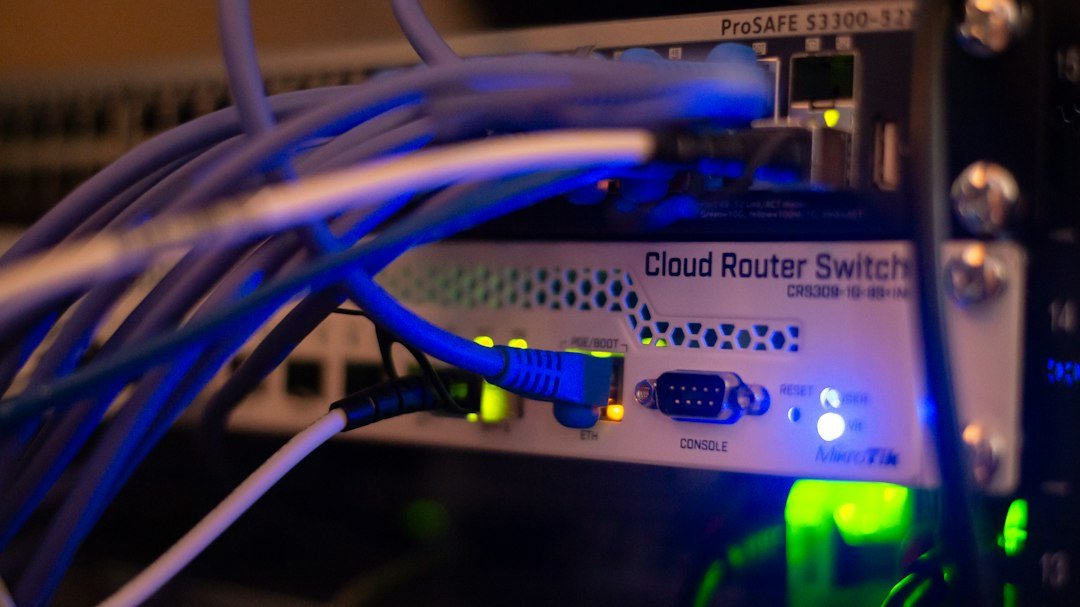
An IDF normally contains an access switch or PoE switch, copper patch panels for desks and wireless access points, and a fiber termination point for the backbone uplink. Its job is to keep horizontal copper runs practical and within their supported distance limits while making day-to-day moves, additions, and troubleshooting more manageable.
How MDF and IDF Work Together
The most common architecture is a star topology: the MDF sits at the center, with a dedicated fiber backbone link to every IDF. Each floor or zone receives its own uplink, which makes troubleshooting clearer and prevents one IDF from becoming an unnecessary transit point for another.
For the backbone, fiber is normally the practical choice because it provides distance, bandwidth headroom, and resistance to electromagnetic interference. Multimode fiber can be a good fit for many in-building links; single-mode fiber becomes attractive for longer runs, campus connections, or maximum upgrade headroom. The final choice should match the link distance, transceiver type, target speed, and installed cable pathway.
ViboFiber can support the passive side of this design with fiber optic connectivity components, customized configurations, and accessories for backbone termination and patching.
Five Practical Differences Between MDF and IDF
1. Network function
The MDF aggregates the building network and connects it to external services. An IDF distributes that connectivity locally. If an MDF fails, the whole site can be affected; if one IDF fails, the impact is usually limited to its floor or zone.
2. Equipment scale
MDF equipment is generally higher-capacity and more redundant. IDF equipment is focused on access-layer switching, PoE availability, and enough ports for nearby users and devices.
3. Cabling role
The MDF manages backbone cabling between the core and distribution points. The IDF manages horizontal cabling from the closet to work areas, cameras, access points, phones, and other devices.
4. Room requirements
An MDF needs more rack space, power, cooling, physical security, and future expansion room. An IDF still needs a protected and ventilated environment, but its footprint is usually smaller.
5. Redundancy expectations
Redundancy is usually planned first at the MDF: dual power, multiple uplinks, backup equipment, or alternative paths where the application justifies it. At the IDF, redundancy is a project-specific decision based on uptime requirements and budget.
When Do You Need an IDF?
A compact single-floor office may only need one MDF if every horizontal cable run remains within its supported distance and the room is centrally located. A multi-floor building normally needs at least one IDF per floor. A large floor may need more than one IDF when its layout would otherwise create overly long copper runs.
For a multi-building site, add another distribution layer rather than stretching horizontal cabling between buildings. The goal is simple: keep passive infrastructure organized, keep cable paths serviceable, and leave space for future bandwidth growth.
Fiber Backbone Planning Checklist
- Map every IDF location before selecting fiber counts and pathway routes.
- Choose connector types and fiber mode to match the active optics and target speed.
- Reserve spare fibers, rack units, and patch-panel capacity for future expansion.
- Use clear labels at both ends of every backbone and patch connection.
- Plan physical protection, bend radius, grounding, cable fire rating, and access control with qualified installers.
Common MDF vs IDF Questions
Does every building need both an MDF and IDF?
No. Every building needs a central network location, but a small single-floor site may not need an IDF. IDFs are useful when the building has multiple floors, large zones, or cable distances that make a single central room impractical.
Is fiber used between MDF and IDF?
Usually, yes. Fiber is widely used for MDF-to-IDF backbone links because it supports longer distances and higher aggregated bandwidth than typical horizontal copper cabling.
What passive components are needed for an MDF-to-IDF link?
The bill of materials depends on the design, but it commonly includes indoor backbone fiber cable, fiber patch panels or termination boxes, adapters, pigtails, patch cords, cable-management accessories, and compatible optical transceivers. Visit ViboFiber solutions to discuss a configuration for your project.
Conclusion
The MDF is the central hub; the IDF is the local extension. Designing the two as a clear hierarchy helps your building stay within practical cable distances, makes maintenance easier, and gives the fiber backbone a longer useful life. If you are planning a structured cabling project and need passive fiber components or a customized connection solution, contact ViboFiber for a configuration review.