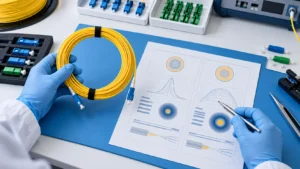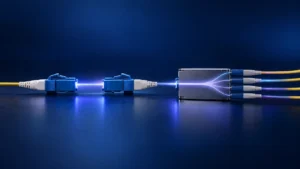
An APC fiber connector RFQ needs more than the word “APC.” Procurement teams must define the connector family, end configuration, fiber type, component form, passive-path location, labeling, inspection requirements, and the exact equipment or panel interface. A complete RFQ helps turn an approved network requirement into a request that can be reviewed accurately.
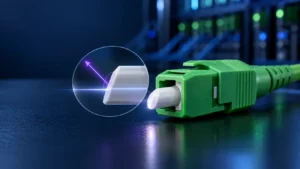
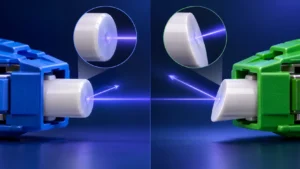
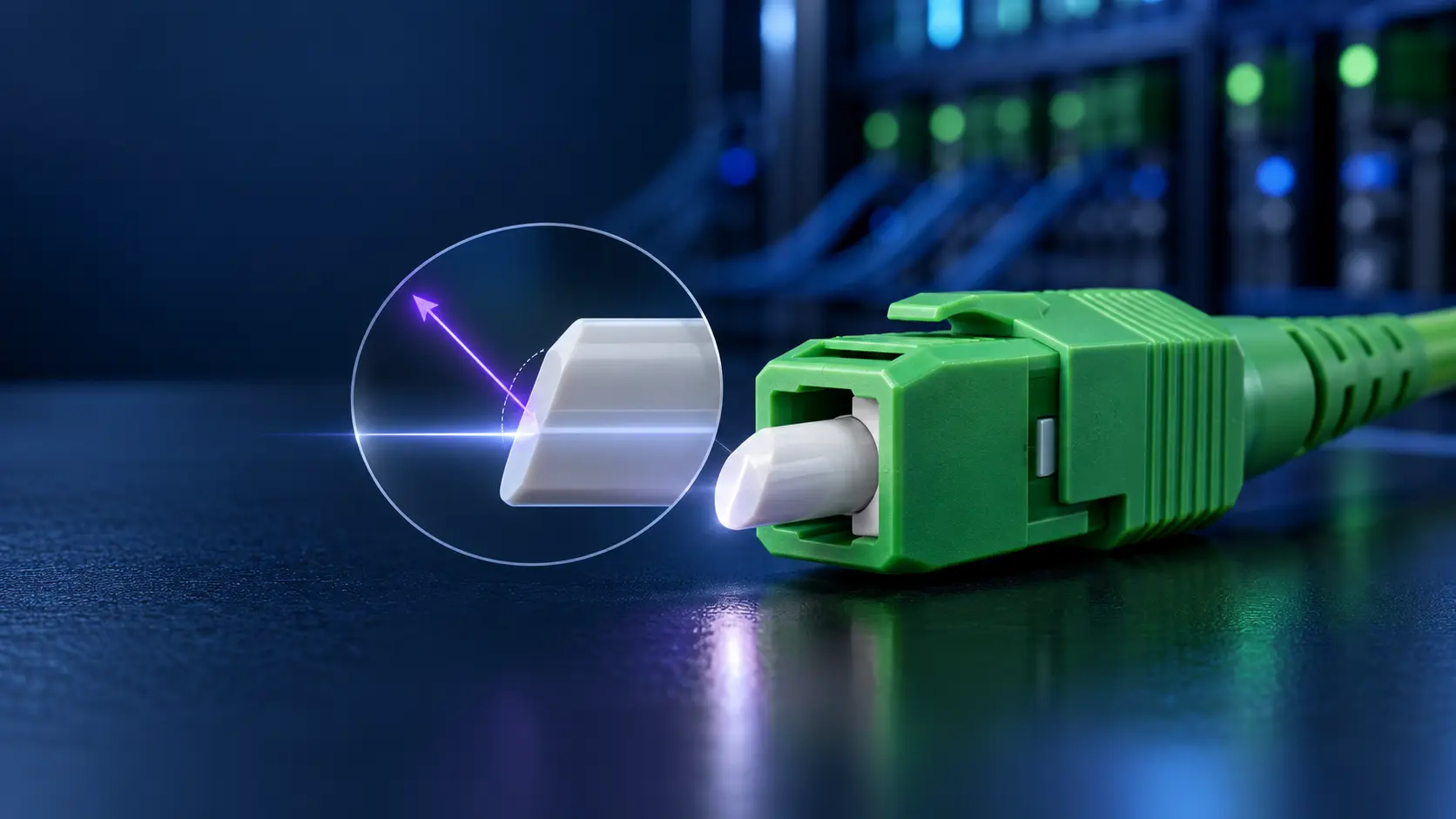
An APC fiber connector uses an angled physical-contact end face, commonly specified at approximately 8 degrees in many connector systems. The angle is intended to direct a portion of reflected light away from the fiber core. For general testing context, see the Fiber Optic Association reference on reflectance and return loss. Actual return-loss performance depends on the complete connector, fiber, termination quality, mating condition, cleaning, and applicable component specification.
This guide is for FTTH/PON, telecom, integration, and procurement teams that need to define APC-connected passive components clearly. It provides general RFQ and planning guidance; it does not replace approved equipment documentation, network design, site procedures, or qualified technical review.
What to Include in an APC Fiber Connector RFQ
The first step is to identify the required component in context. “Green connector” or “APC cable” alone does not describe an executable requirement. Start with the approved port or passive-path reference, then define the component details that connect to it.
| RFQ item | What to state | Why it matters |
|---|---|---|
| Connector interface | Connector family and APC polish at each relevant end | APC identifies the polish; it does not identify every interface detail. |
| Assembly form | Patch cord, pigtail, adapter, panel interface, splitter interface, or another approved form | Each form has a different installation and path role. |
| Fiber path | Fiber type, route role, and far-end interface | The component must fit the complete passive channel. |
| Project controls | Labels, packaging, inspection, testing, and acceptance records | Documentation supports installation and future maintenance. |
Understand the APC Requirement Before Ordering
APC means angled physical contact and describes the polished fiber end face inside a connector assembly. It does not by itself identify the cable construction, optical module, equipment port, network protocol, or complete application.
APC interfaces are commonly used in many FTTH and PON optical-distribution-network designs where reflected-light management is an important consideration. The required connector family, polish type, fiber mode, splitter interface, and deployment method must follow the applicable operator, equipment, and approved network design.
When a project needs related explanation on the full passive path, review FTTH and PON connectivity planning before finalizing an RFQ.
Specify the Correct APC Component Form
APC Patch Cords
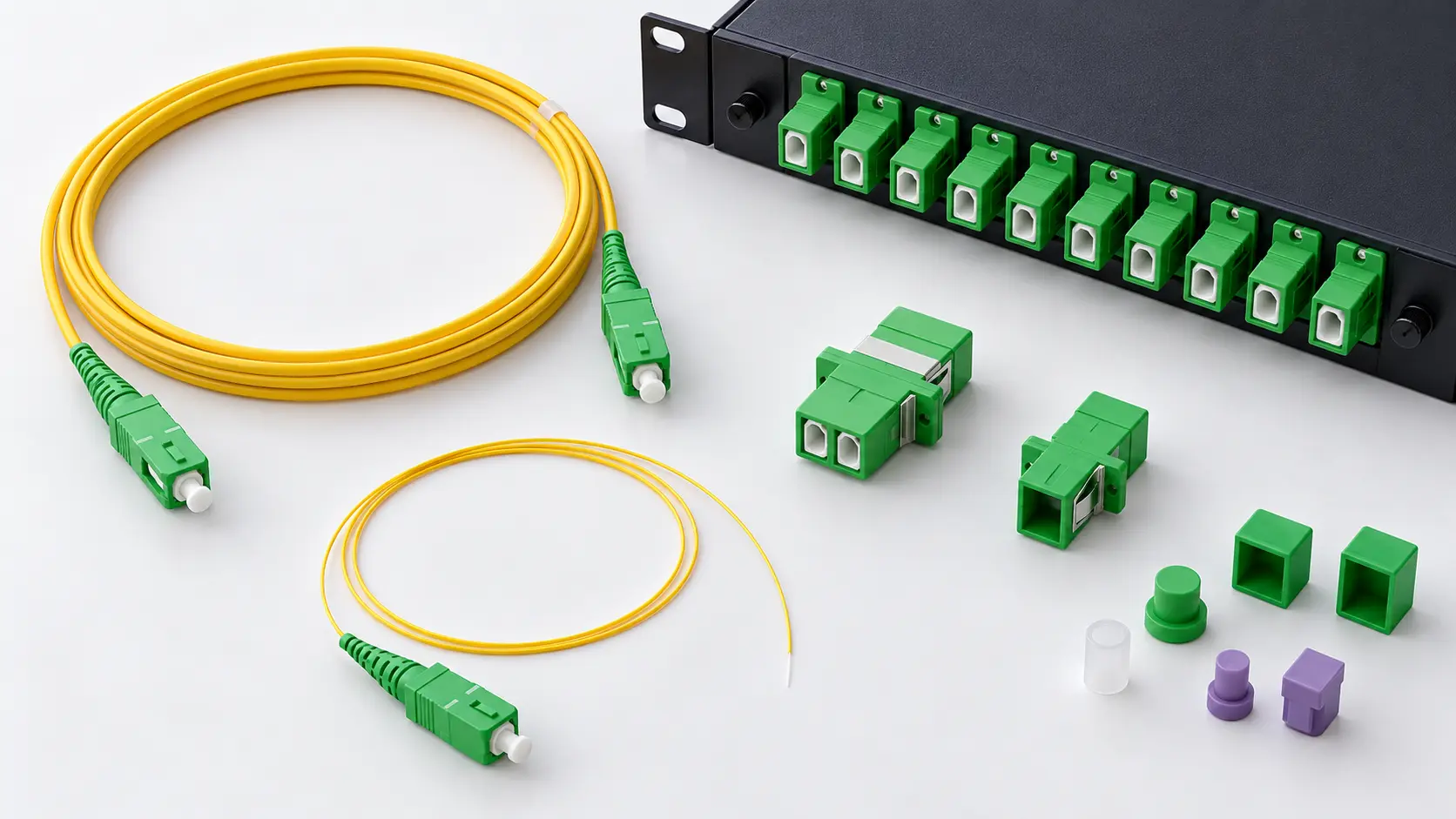
For a patch cord, state the connector family and required polish at both ends, the fiber type, intended path role, required length, and far-end mating interface. Also identify whether the assembly is for an equipment port, panel, closure, splitter, or another approved location.
APC Pigtails
An APC pigtail is a fiber assembly with an APC connector on one end and an unterminated fiber end on the other. It may be prepared for splicing or another approved termination process, depending on the network design, fiber type, enclosure, and installation procedure. Do not assume a specific splicing method from the word “pigtail” alone.
Adapters, Panels and Splitter Interfaces
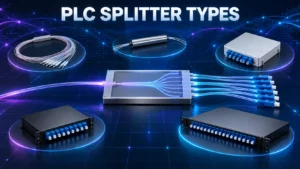
Adapters, panels, splitter assemblies, and other passive components may be specified with APC interfaces in selected designs. Their connector family, polish type, fiber mode, port mapping, insertion-loss requirements, and compatibility must be confirmed from the exact component and system documentation.
When requesting related component forms, describe the approved requirement rather than assuming availability. You can use APC pigtails, adapters, and panels as a project-context phrase when discussing current product and configuration information.
Map the FTTH/PON Passive Path in the RFQ
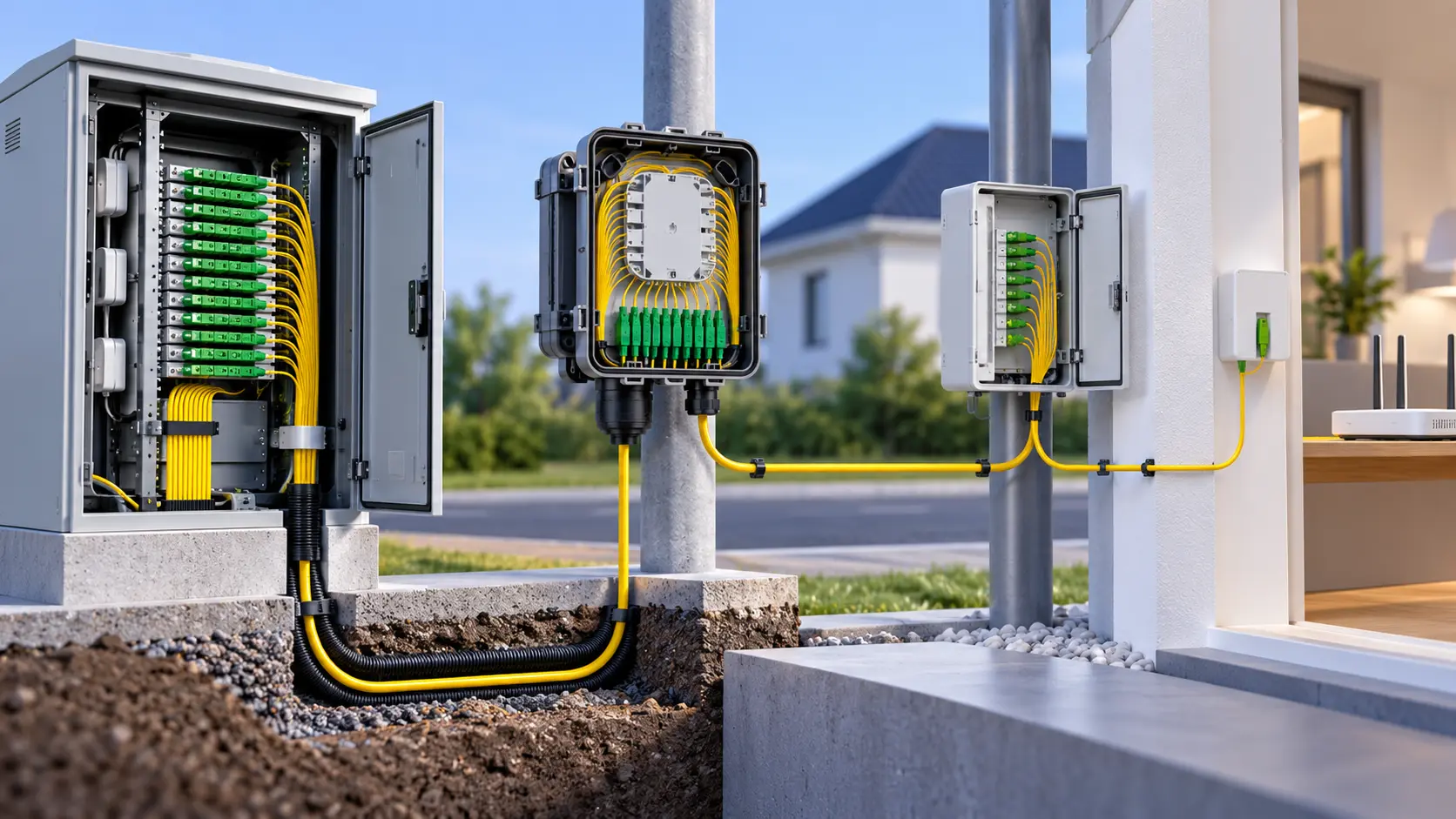
An RFQ should identify where the requested component belongs in the approved architecture: equipment-side port, feeder path, split point, distribution path, drop path, subscriber-side connection, panel, closure, or cabinet. Mapping the path prevents a connector assembly that seems plausible in isolation from being used at the wrong interface.
- Which port or passive component defines the connector family and polish?
- What is the fiber type and cable-path role on each side?
- Which interfaces are direct, adapter-based, connectorized, or prepared for another approved termination process?
- What is the far-end port, panel, splitter, or equipment reference?
- How will each route, port, and component be labeled?
APC Fiber Connector RFQ Checklist
- Application and approved network architecture
- Equipment, panel, closure, splitter, or passive-interface reference
- Required connector family and APC polish at every applicable mating point
- Fiber type, fiber count, and cable-path role
- Component form: patch cord, pigtail, adapter, panel, splitter interface, or another approved format
- Connector configuration at both ends of each assembly
- Required length, routing information, and installation environment
- Port mapping, labeling format, packaging, and dust-protection requirements
- Inspection, optical-test, traceability, and acceptance documentation
- Quantity, spare-part plan, and project handoff requirements
Illustrative Scenario: Preparing a Cabinet Component Schedule
This is a hypothetical planning example, not a customer project, test result, or VIBOFIBER product recommendation.
A project team is preparing an RFQ for a distribution cabinet. Rather than requesting generic APC assemblies, it creates a schedule listing each component location, the required connector family and polish, the fiber route, the far-end interface, and the label reference. The schedule separates pigtails, patch cords, adapters, and other interfaces by their actual role in the approved passive path.
During installation, the same schedule guides the field team through port identification, inspection, connection, testing, and as-built records. If a component does not match the schedule, the team pauses to verify the approved design rather than substituting by color or physical appearance.
Inspection, Cleaning and Acceptance
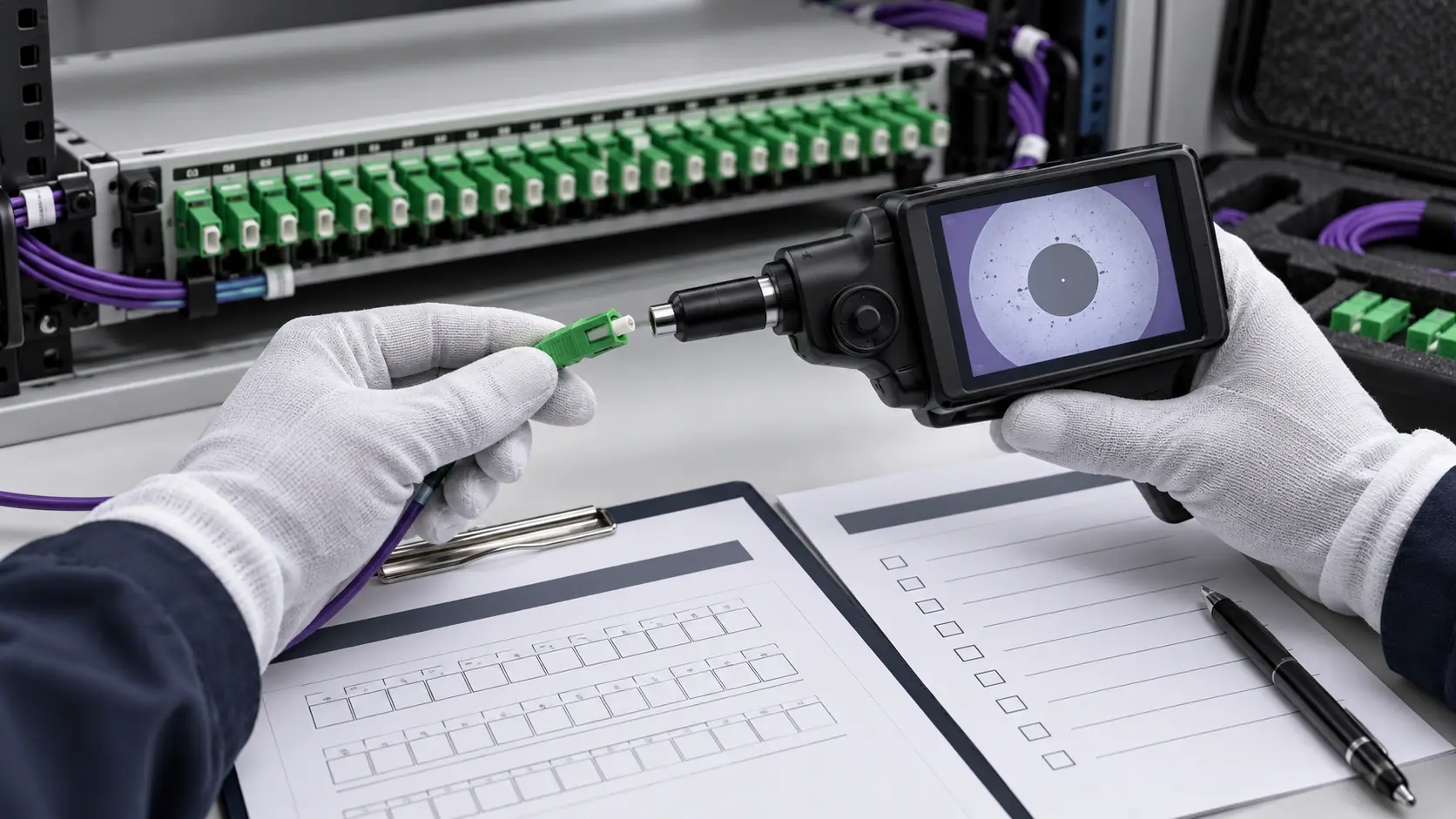
Inspect the optical end face before connection. Clean when inspection or approved site procedure indicates contamination, then inspect again before mating. Avoid unnecessary contact or aggressive cleaning that could damage the end face.
- Confirm the component schedule, route reference, and far-end interface.
- Verify connector family and approved APC requirement before mating.
- Inspect the optical end face.
- Clean only when inspection or approved procedure indicates it, then inspect again.
- Complete applicable channel testing and record the result.
- Update labels and as-built documentation before service activation.
Common RFQ Mistakes to Avoid
- Specifying only “APC”: Include connector family, both ends, fiber type, component form, path role, and far-end interface.
- Using color as the primary control: Color can help field identification, but approved labels, part references, port maps, and documentation remain the checks.
- Ignoring intermediate components: Panels, adapters, splitter interfaces, pigtails, and closures belong in the documented path.
- Assuming mechanical fit proves suitability: The complete passive and active channel must follow the approved design.
- Leaving out acceptance records: Missing labels and test records increase maintenance and troubleshooting risk.
Safety Notice
Fiber-optic connectivity work should be performed by trained personnel in accordance with applicable site procedures, equipment documentation, and local regulations.
- Do not look into active fiber connectors, cable ends, transceivers, splitter ports, or optical ports.
- Verify link status before handling any optical interface.
- Inspect the optical end face before connection. Clean when inspection or approved site procedure indicates contamination, then inspect again before mating. Avoid unnecessary contact or aggressive cleaning that could damage the end face.
- Use appropriate ESD precautions when handling active modules and network equipment.
- Do not force connectors or adapters into unapproved interfaces.
- Observe applicable bend-radius, pulling-force, pathway, grounding, fire-safety, and labeling requirements.
- Handle and dispose of fiber shards using approved site procedures.
- Validate the complete channel using suitable methods before placing critical links into service.
This article provides general educational guidance only. Final connector selection, installation, and acceptance must be confirmed against exact equipment documentation, approved component specifications, the complete channel design, and site requirements.
Frequently Asked Questions
What Is an APC Fiber Connector RFQ?
It is a request that documents the APC polish requirement together with connector family, fiber type, component form, end configuration, route role, interface, documentation, and quantity requirements.
What Does APC Mean on a Fiber Connector?
APC means angled physical contact and describes the connector ferrule end-face polish. It does not identify every requirement of the final assembly.
Can I Request an APC Patch Cord Without Further Details?
No. Identify the connector family at both ends, required polish, fiber type, cable format, length, path role, far-end interface, and applicable project documentation.
How Should an APC Connector Be Checked Before Installation?
Inspect the end face first. Clean only if inspection or an approved procedure indicates contamination, then inspect again before mating and follow the project acceptance process.
Need Help Preparing an APC Connector RFQ?
Prepare the application, port or passive-interface references, connector family, APC requirement, fiber path, component form, end configuration, labeling, and test requirements. Contact VIBOFIBER to discuss project requirements and request current product and configuration information.