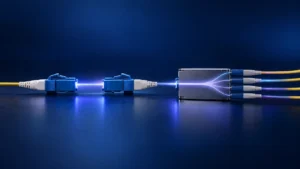
Choosing the best fiber optic speed for an office in 2026 is not simply a matter of buying the fastest available internet plan. The right choice depends on how many people and devices share the connection, which cloud applications they use, how much video traffic they generate, and whether the internal network can carry that traffic without creating a bottleneck.
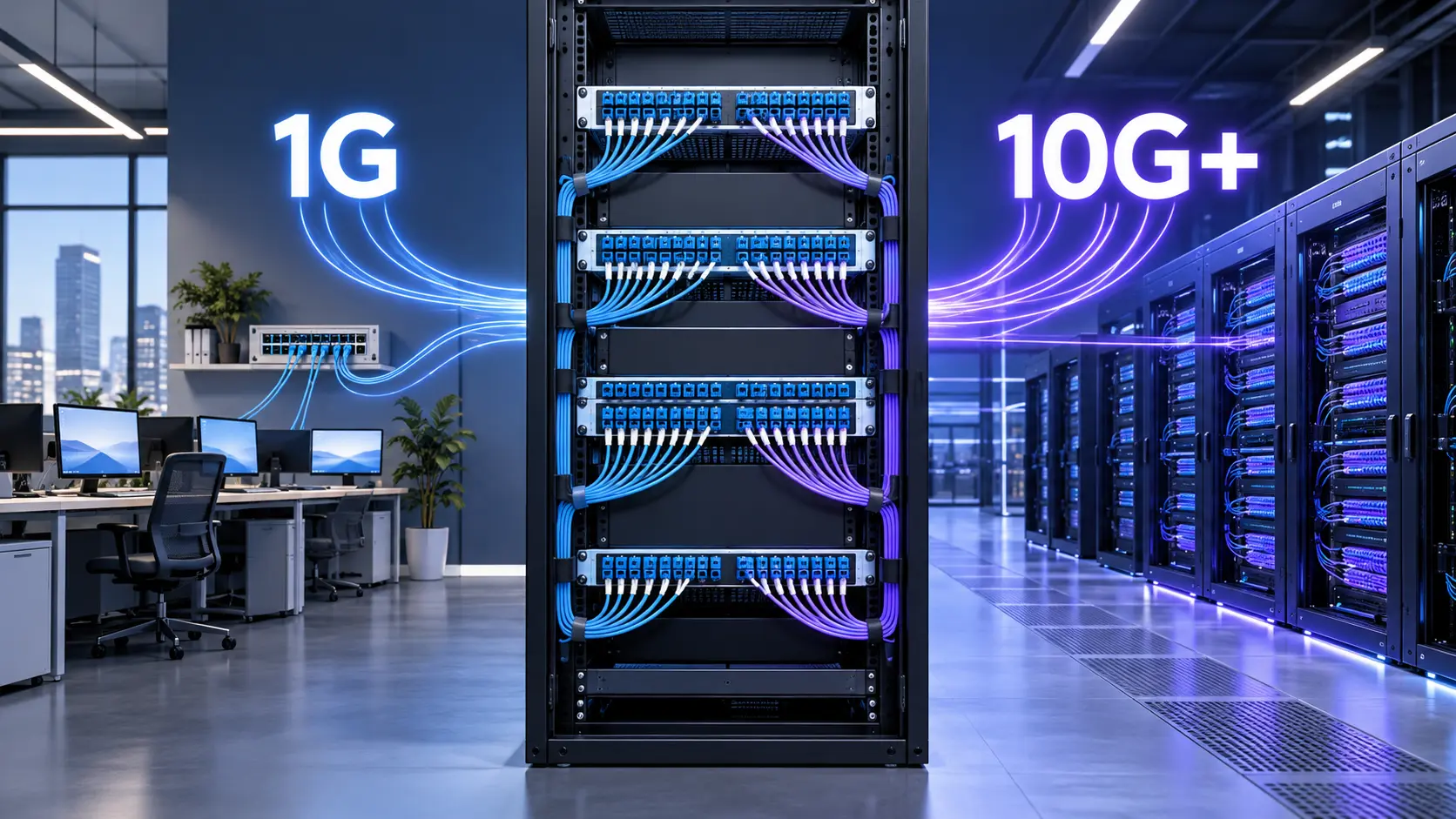
For many offices, 1 Gbps is now a practical baseline for the internet handoff or core network. Growing teams and data-intensive environments may need 2.5Gbps, 5Gbps, or 10Gbps planning. The best fiber optic speed for office use is the speed that supports current work reliably while leaving a sensible upgrade path.
What Does Fiber Optic Speed Mean for an Office?
Office “fiber speed” can refer to several different parts of the network. The service from the internet provider determines external bandwidth. Switch uplinks and backbone links determine how traffic moves inside the building. Wi-Fi access points, workstations, and cabling affect what users actually experience.
A 1Gbps internet service will not deliver 1Gbps to every employee at the same time. Likewise, upgrading the service will not fix a congested switch uplink, aging wireless equipment, or a poorly matched copper or fiber backbone. Evaluate the complete traffic path before selecting a target speed.
How Much Fiber Speed Does Your Office Need in 2026?
Start with actual work patterns rather than user count alone. Video calls, cloud backups, large file transfers, hosted desktops, security cameras, shared storage, and frequent software synchronization can all increase both bandwidth demand and sensitivity to latency.

- Small office or light cloud use: 100–500Mbps may be adequate when most work is email, browsing, SaaS applications, and a limited number of video calls.
- Growing office: 1Gbps is a strong practical target for teams with regular cloud collaboration, video meetings, and several concurrent users.
- Data-intensive work: 2.5Gbps or 5Gbps can suit offices handling large media files, frequent backups, local servers, or high-density wireless traffic.
- High-performance environments: 10Gbps and above may be appropriate for data centers, production systems, shared storage, dense Wi-Fi deployments, and sites that expect rapid growth.
Office Fiber Speed Recommendations: 100Mbps to 10Gbps
| Office situation | Typical planning range | What to check |
|---|---|---|
| Small team, basic SaaS use | 100–500Mbps | Concurrent video calls, Wi-Fi coverage, upload needs |
| Growing office | 1Gbps | Switch uplinks, cloud traffic, backup windows |
| File-heavy or high-density office | 2.5–5Gbps | Access switch capacity, cabling, server links |
| Data center or performance-critical site | 10Gbps+ | Backbone design, optics, redundancy, upgrade path |
These ranges are planning guidance, not a substitute for measuring real usage. Review peak traffic periods and consider planned changes such as more staff, new cloud software, more cameras, or an expanded Wi-Fi deployment.
Why Faster Internet Alone Does Not Solve Office Network Bottlenecks
Users may still report slow performance after an internet upgrade if the internal network has a lower-capacity link. Common bottlenecks include:
- 1Gbps uplinks serving multiple busy access switches
- Older Wi-Fi access points or insufficient access-point density
- Endpoints limited to 1Gbps where higher-speed access is required
- Server or storage links that cannot match client demand
- Copper or fiber cabling that is not suited to the intended speed and distance
Map traffic between users, Wi-Fi, switches, servers, and the internet edge. This helps distinguish a provider-bandwidth issue from an internal-network issue.
Choosing the Right Fiber Infrastructure for 1G, 2.5G, 10G, and Beyond
Fiber infrastructure should support the target speed, link distance, connector format, and future upgrade plans. Multimode and single-mode fiber each have different application ranges. Transceivers and passive components must also be matched to the switch or device interface, wavelength, connector type, and required reach.
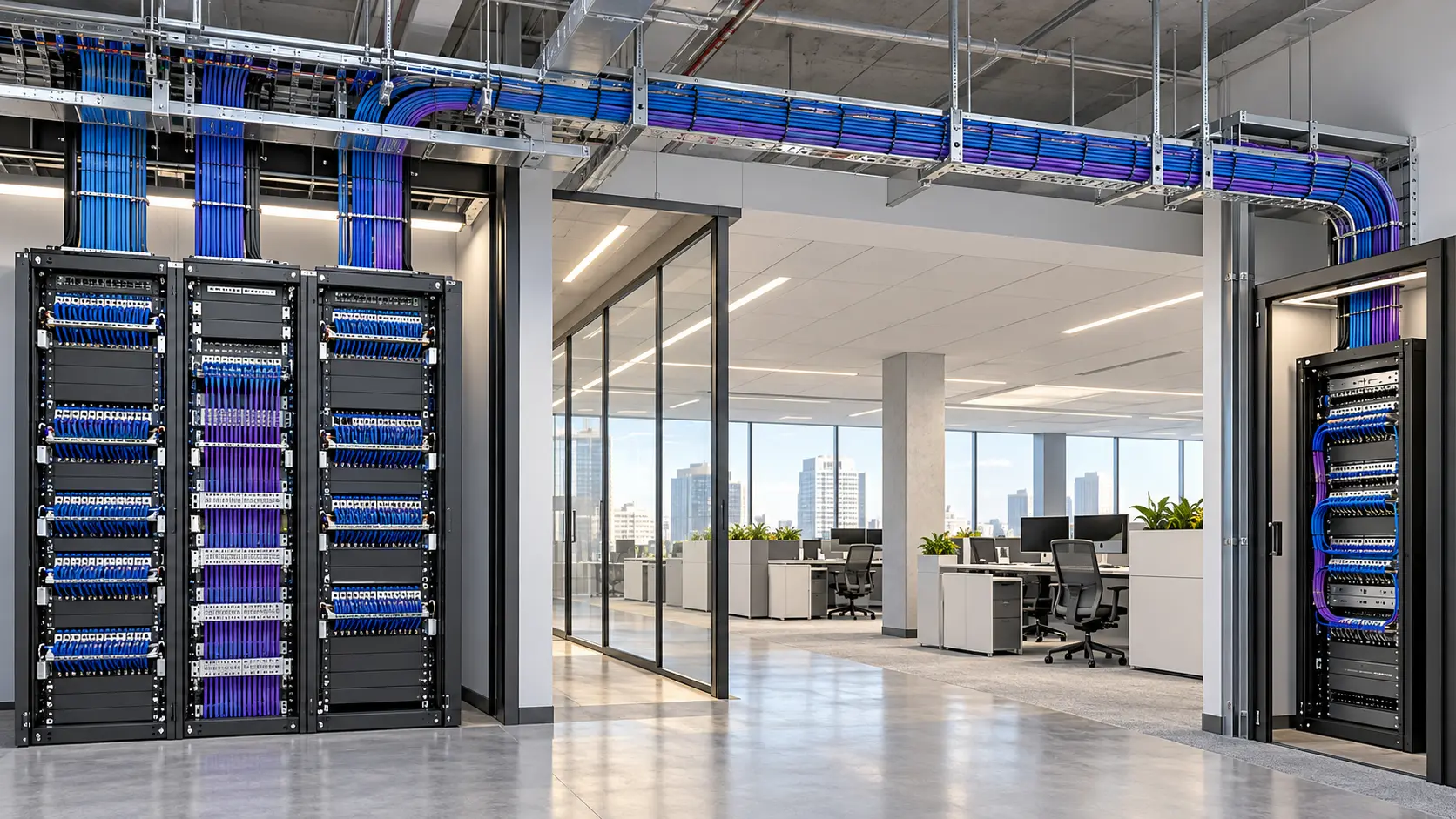
For product selection, review fiber optic cable and connectivity options alongside the specifications of the active equipment. If the project includes multiple telecommunications rooms or a main distribution frame, use fiber backbone planning guidance to clarify backbone routes and handoff locations.
Plan spare capacity where practical. A pathway or backbone installation often costs more to revisit than to provision with a realistic allowance for additional fibers, ports, and patching.
Office Fiber Speed Selection Checklist
- Measure current peak download, upload, and internal traffic.
- Count users, devices, cloud applications, cameras, and Wi-Fi access points.
- Identify large-file transfers, backup schedules, and shared-storage use.
- Check switch port speeds and uplink capacity end to end.
- Confirm cable type, connector configuration, distance, and optical interface requirements.
- Allow for growth during the expected life of the installation.
Safety Notice
Do not look into the end of a fiber, connector, or active optical port. Optical signals may be invisible and can present an eye hazard. De-energize and verify the link before inspection, cleaning, or testing where applicable. Use the correct inspection, cleaning, and test equipment; keep end faces protected from contamination.
- Follow documented bend-radius and pulling-tension limits.
- Use qualified installers for pathway protection, grounding of metallic components where applicable, and local-code requirements.
- Follow applicable building, fire, and electrical requirements, plus the relevant product datasheets and installation instructions.
Frequently Asked Questions
Is 1Gbps enough for an office in 2026?
For many small and medium offices, yes. It is often a useful baseline for cloud work and video collaboration, provided the internal network does not create a lower-speed bottleneck.
Should a new office install 10Gbps fiber?
It depends on expected traffic, distance, equipment, budget, and growth. A common approach is to install a backbone that can support future higher-speed links while deploying active ports at the capacity needed today.
Does fiber optic cable automatically make Wi-Fi faster?
No. Fiber can provide high-capacity transport between network points, but Wi-Fi performance also depends on access-point design, radio conditions, client devices, and switch capacity.
Discuss Your Office Fiber Requirements
VIBOFIBER supports passive fiber optic components and transceiver accessories for office networks, data centers, and custom connectivity projects. Contact VIBOFIBER and share your project requirements—fiber type, connector configuration, target speed, quantity, and application details—so we can discuss relevant product options for your RFQ.