Choosing between a 25G SFP28 DAC, AOC, and optical transceiver is not only a distance decision. Rack layout, existing cabling, port compatibility, maintenance practices, and future moves all affect which interconnect is the practical choice.
This guide compares 25G SFP28 DAC vs AOC vs optical transceiver for server-to-switch, storage, and data-center links. It is intended to help network teams define the right option before ordering cables or modules.
Short Answer
- Choose a 25G SFP28 DAC for very short, fixed copper links where cost, simplicity, and low latency are priorities.
- Choose a 25G SFP28 AOC when a fixed optical cable is preferable because copper cable weight, bend behavior, or routing is becoming difficult.
- Choose 25G SFP28 optical transceivers with separate fiber patch cables when the link needs a flexible fiber path, structured cabling, a longer reach, or easier replacement of individual components.
The best option is the one that fits the actual link path and platform—not simply the one with the lowest unit price.
What Is a 25G SFP28 DAC?
A Direct Attach Copper (DAC) cable has SFP28 connectors permanently attached to both ends of a copper cable assembly. It plugs directly into compatible 25G SFP28 ports on switches, servers, network adapters, or storage equipment.
DAC assemblies can be passive or active, depending on the design and intended reach. In general, they are most suitable for short in-rack or nearby-rack connections.

Typical uses include server-to-top-of-rack switch links, short switch-to-switch connections, storage links inside the same rack, and lab or test environments with short cable paths. Because the cable and connectors are one assembly, a DAC is straightforward to install. However, the complete assembly usually needs replacement if either end or the cable is damaged.
What Is a 25G SFP28 AOC?
An Active Optical Cable (AOC) also has fixed SFP28 connectors on both ends, but it uses optical components and fiber inside the cable assembly rather than copper conductors.
AOCs are commonly considered when teams need a lightweight fixed-length link that is easier to route than a comparable copper cable. They are often used for short-to-medium equipment connections where a separate transceiver and patch cable are not required.
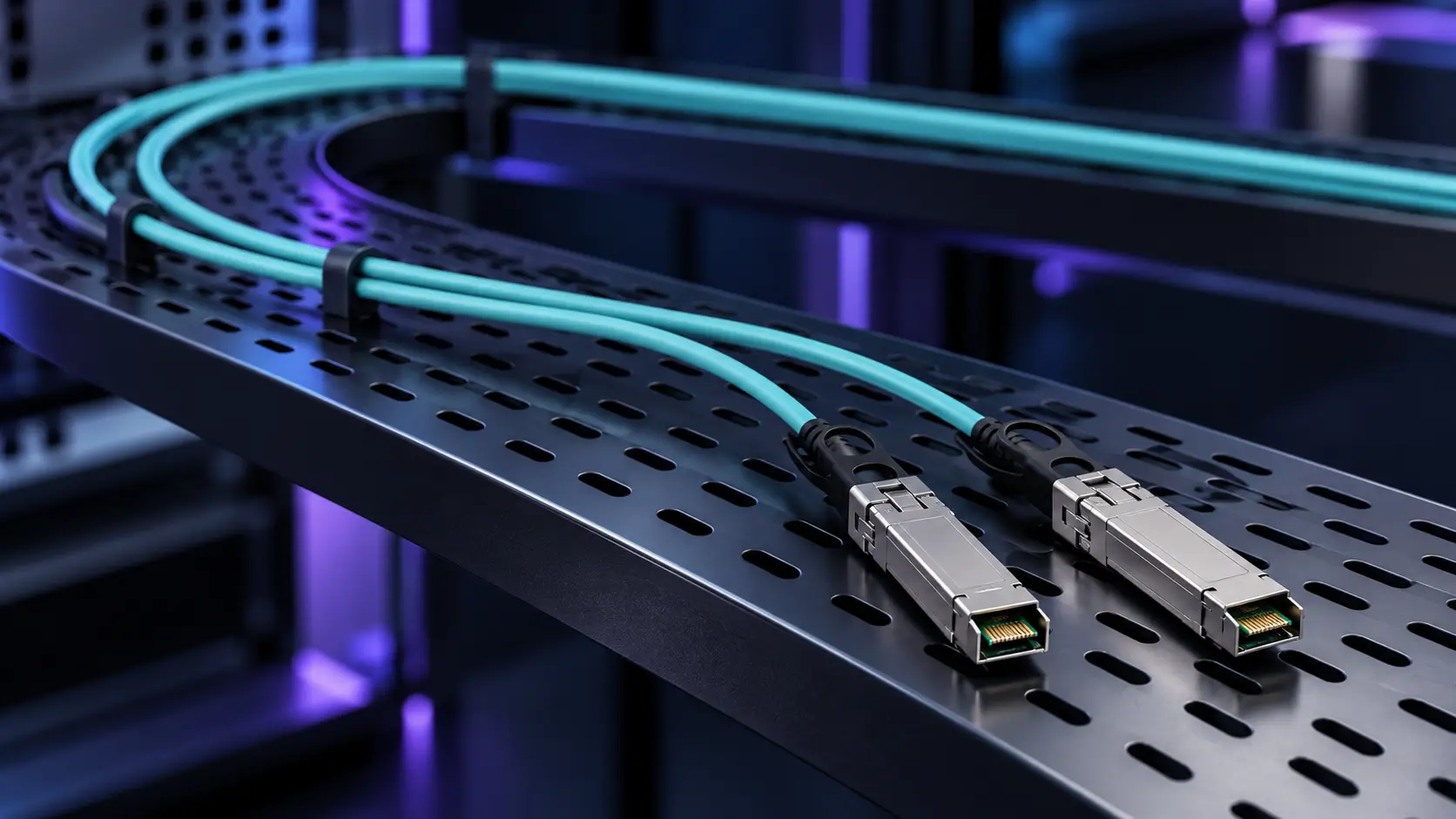
Typical uses include cross-rack connections within a row, dense server or GPU racks, equipment areas where cable weight matters, and routes where copper cable bundles become difficult to manage. An AOC is still a single integrated assembly; its fiber is not intended to be separated from the attached ends in normal field service.
What Is a 25G SFP28 Optical Transceiver Link?
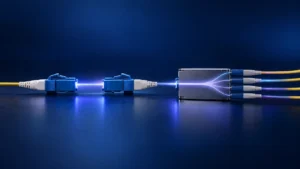
A pluggable optical link uses two 25G SFP28 transceivers and a separate fiber patch cable or structured fiber path between them. This approach separates the optics from the fiber infrastructure. That can be valuable when the link passes through patch panels, distribution frames, cable trays, or an existing fiber backbone.
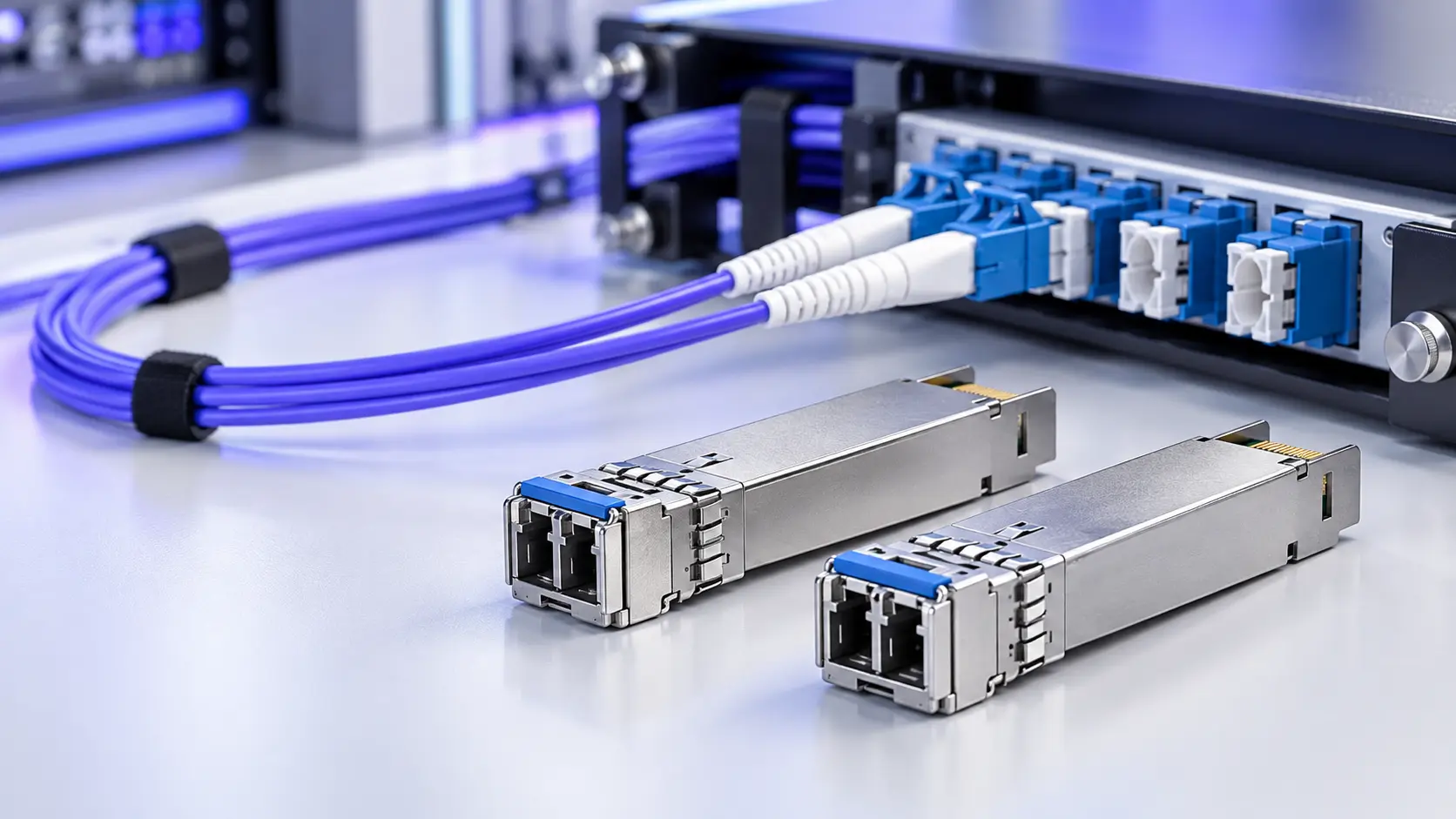
Typical uses include structured cabling paths; links between racks, rows, rooms, or buildings; existing single-mode or multimode fiber infrastructure; and networks where patch cords and transceivers need to be replaced independently. The exact reach, fiber type, connector type, and optical budget depend on the selected transceiver interface. Verify these details for the specific equipment and deployment before installation.
25G SFP28 DAC vs AOC vs Optical Transceiver Comparison
| Selection factor | 25G SFP28 DAC | 25G SFP28 AOC | Optical transceiver + fiber |
|---|---|---|---|
| Connection type | Fixed copper cable assembly | Fixed optical cable assembly | Pluggable optics plus separate fiber |
| Best fit | Very short direct equipment links | Fixed links where lower cable weight helps | Flexible or structured fiber links |
| Cable replacement | Replace the complete assembly | Replace the complete assembly | Replace cable or module independently |
| Routing flexibility | Can be less convenient in dense bundles | Often easier to route than copper | Highest flexibility with patching and fiber pathways |
| Typical deployment | Same rack or nearby equipment | Short-to-medium rack connections | Longer runs, patch panels, backbone paths |
| Key checks | Port support, cable type, length, coding | Port support, length, coding, bend handling | Module, fiber, connectors, loss budget, FEC |
Start With the Physical Link Path
Same-rack or adjacent-device links
For a short, direct connection between a server and a top-of-rack switch, a 25G SFP28 DAC can be a practical choice. It removes the need to purchase separate transceivers and patch cords for a simple point-to-point link. Check cable routing carefully because copper cable bundles can become heavier and more difficult to manage as port density increases.
Cross-rack links within a local equipment area
A 25G SFP28 AOC may suit a fixed connection when a lighter optical assembly is useful. Measure the installed route, not only the straight-line distance between racks. Allow suitable slack, respect bend guidance, and avoid selecting a cable length that creates excess loops or tension.
Structured-cabling or fiber-backbone links
Use pluggable 25G SFP28 optical transceivers with separate fiber when the connection needs to pass through patch panels, fiber trays, or existing cabling infrastructure. This design can be useful when the cable route may change later because teams can service a damaged patch lead without necessarily replacing both optical modules.
Compatibility and FEC Must Be Checked Early
A physical SFP28 connector does not guarantee that every cable or optical module will operate in every port. Compatibility depends on the host platform, software version, port mode, vendor coding policy, and link configuration.
Forward Error Correction (FEC) is another important consideration. Some 25G platforms expect a particular FEC mode, while the available setting can vary by switch, network adapter, and link design.
- Confirm that the port supports 25G SFP28 operation.
- Confirm that the selected DAC, AOC, or transceiver is compatible with the host equipment.
- Match the cable length or optical reach to the installed route.
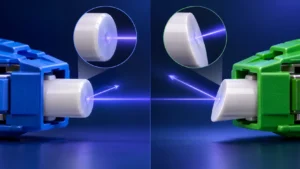
- Match optical modules to the fiber type and connector interface.
- Check the FEC setting at both ends of the link.
- Align switch, NIC, and operating-system settings with the intended speed.
- Use required cleaning, inspection, and ESD procedures.
Treat compatibility validation as part of procurement—not as a final troubleshooting step after installation.
Consider Maintenance and Spare Strategy
A DAC or AOC can simplify the bill of materials because each link is one assembly. That may work well for predictable, repeatable in-rack layouts. Optical transceiver links introduce more components, but they can offer a different maintenance model: teams may keep spare patch cords and spare optics separately, then replace only the failed or unsuitable part after fault isolation.
- Keep clearly labeled spare cable lengths for common DAC or AOC links.
- Record equipment platform and coding requirements for supported optics.
- Standardize fiber connector and polarity practices.
- Keep cleaning and inspection tools available near installation areas.
- Document FEC settings and verified port configurations.
Common Selection Mistakes
Choosing by straight-line distance only
A rack-to-rack distance measured across the floor may not match the actual cable route. Include vertical routing, tray paths, service loops, and entry points when determining length.
Treating all SFP28 accessories as interchangeable
The form factor alone is not a complete compatibility check. Validate the host platform, part specification, coding, and software requirements.
Using integrated cables where structured fiber is needed
A fixed DAC or AOC may be inconvenient if the route crosses multiple patching points or is likely to be modified. In those cases, separate transceivers and fiber may provide a more serviceable design.
Forgetting FEC during commissioning
A link can fail to come up even when the cable or optics are physically installed correctly. Confirm the expected FEC configuration at both ends before escalating a hardware issue.
Safety Notice
Safety Notice: Do not look directly into a fiber connector, transceiver port, or connected fiber end. Optical signals may be invisible. Follow site laser-safety procedures, use appropriate ESD precautions when handling modules, inspect and clean connectors with approved tools, and dispose of fiber scraps safely.
FAQ
Is DAC better than AOC for 25G SFP28?
Neither is universally better. DAC is often suitable for very short direct connections, while AOC can be useful when a fixed optical cable offers easier routing or reduced cable weight. The installed route and host compatibility should determine the choice.
Can I replace an AOC with optical transceivers and patch cable?
Potentially, but the new design must be compatible with both host ports and the fiber path. Confirm the optical interface, connector type, fiber type, reach, FEC settings, and platform support first.
Do 25G SFP28 links always need FEC?
No. FEC requirements vary by platform and link design. Check the switch, NIC, and module documentation, then verify configuration at both ends.
Which option is easiest to maintain?
For a single fixed link, DAC and AOC assemblies are simple to replace. For structured cabling and changing routes, separate optical transceivers and patch cables can provide more flexibility because individual components can be serviced independently.
Choose the 25G Link for the Whole Deployment
The right 25G SFP28 interconnect should fit the entire deployment: equipment ports, cable route, airflow, fiber infrastructure, commissioning process, and replacement strategy.
When evaluating a project, prepare the port models, required reach, rack layout, fiber type, connector requirements, and expected FEC configuration. Contact VIBOFIBER to discuss relevant connectivity options for the planned link.
Editorial note: Product availability, supported coding, exact cable lengths, and platform-specific compatibility should be confirmed against the final equipment list before purchase or installation.