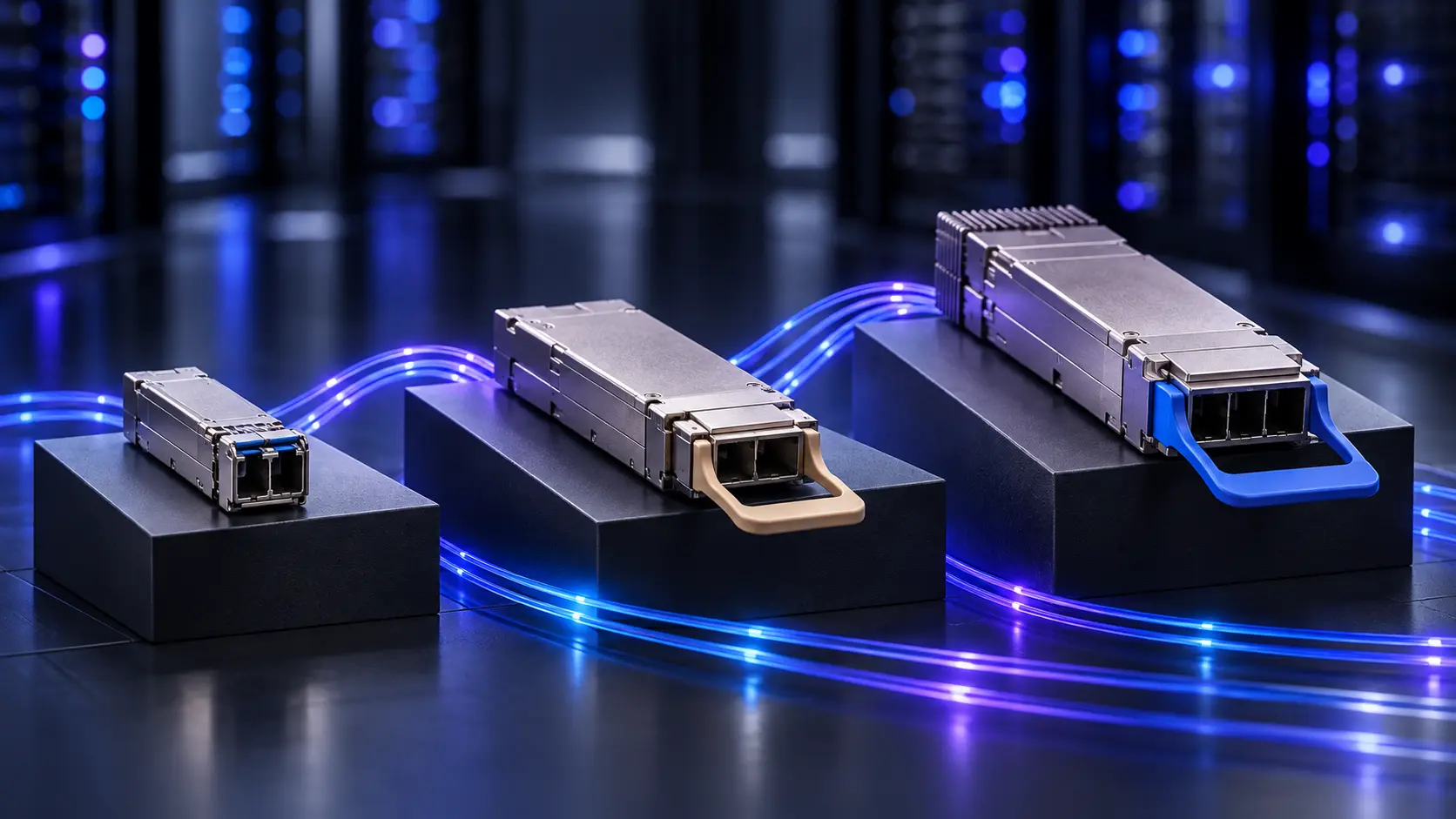
Choosing optical transceiver types is not simply a matter of selecting the highest available speed. The right module must match the host port, network architecture, fiber infrastructure, link distance and compatibility requirements. This guide helps data-center teams, integrators and procurement professionals compare SFP, QSFP and OSFP modules before requesting a project-specific configuration.
What Is an Optical Transceiver?
An optical transceiver is a pluggable module that converts electrical signals from network equipment into optical signals for fiber transmission, then converts received optical signals back into electrical signals. These modules are used in switches, routers, servers and storage systems. A complete link also needs compatible modules at both ends, suitable fiber patching and a confirmed connector interface.
Optical Transceiver Types by Form Factor
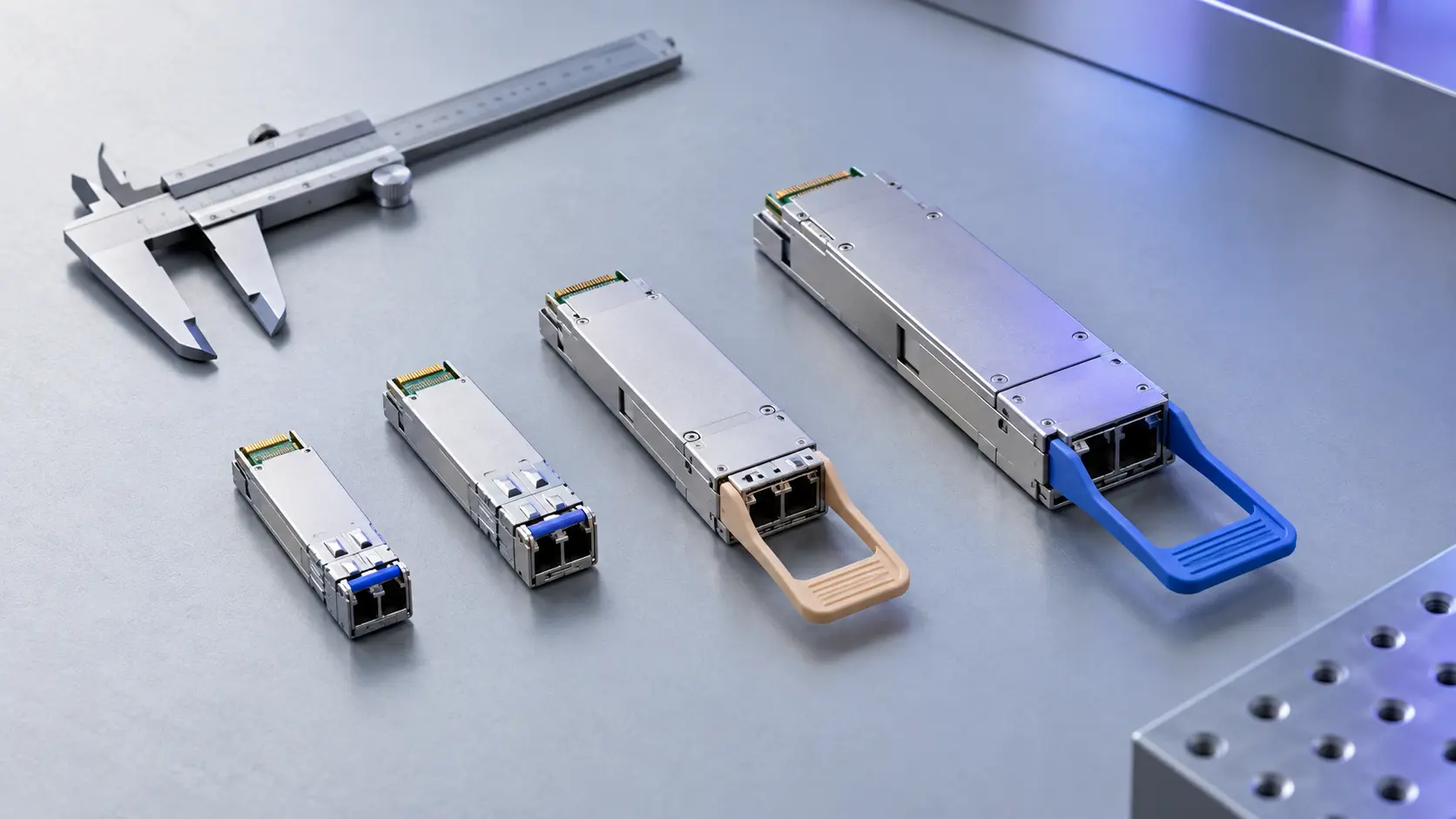
The form factor defines the physical module family, host interface and port fit. It is the first item to verify because visually similar modules are not automatically interchangeable.
| Form factor | Common planning use | Key selection point |
|---|---|---|
| SFP / SFP+ | 1G and 10G network links | Confirm the host port and required protocol |
| SFP28 / SFP56 | 25G and 50G access or aggregation | Check speed support and coding requirements |
| QSFP+ / QSFP28 / QSFP56 | 40G, 100G and 200G links | Confirm lane and breakout design |
| QSFP-DD / OSFP | High-density 400G, 800G and higher | Verify port family, thermal design and software support |
SFP, SFP+ and SFP28
SFP modules are compact pluggable interfaces for lower-speed Ethernet and telecom applications. SFP+ is widely used for 10G links, while SFP28 is commonly considered for 25G server access and switching environments. A module fitting physically does not prove that it is electrically or software compatible, so the exact equipment model should be supplied during selection.
QSFP and OSFP Families
QSFP modules use multiple electrical lanes for higher aggregate bandwidth. QSFP+ is associated with 40G, QSFP28 with 100G, and newer QSFP families can address higher-speed designs. QSFP-DD and OSFP are separate form-factor families for high-density deployments. Do not assume that an OSFP module can fit a QSFP-DD port, or the reverse.
Choose by Data Rate, Fiber Type and Reach
Data rate is important, but it should never be the only filter. Start with the equipment port and target speed, then confirm the installed fiber type, connector format and actual cable route. Multimode fiber is often considered for shorter in-building links, while single-mode fiber is commonly evaluated when a project needs longer reach. The final choice must be based on the applicable module documentation and end-to-end loss planning.

Connector selection matters as much as speed. Duplex links often use LC interfaces, while parallel-optics applications may use MPO/MTP-style interfaces. Check the connector type, fiber count, polarity method and the existing patching infrastructure before finalizing a module choice.
DAC, AOC or Optical Transceiver?
For short equipment-to-equipment links, buyers may compare direct attach copper, active optical cable and separate optical transceivers with fiber patch cords. A DAC can be practical for short, fixed rack connections. An AOC may be useful where a lighter fixed cable assembly is preferred. Separate transceivers and fiber patch cords are often more flexible for structured cabling, service replacement and future link changes. Read the DAC, AOC and ACC comparison guide for a more detailed decision framework.
Optical Transceiver Compatibility Checklist
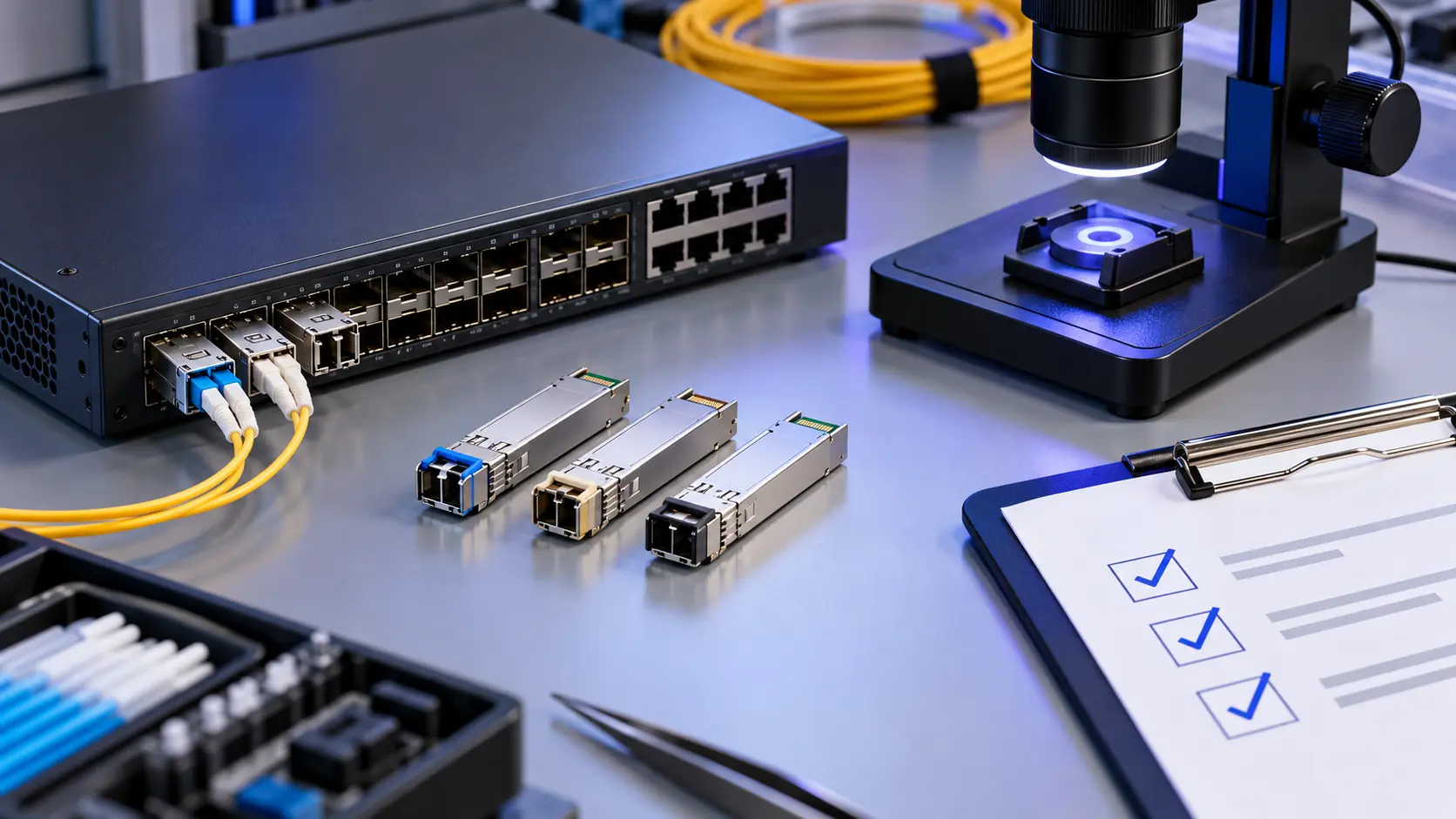
- Record the exact switch, router, server NIC or storage-platform model.
- Confirm the port form factor: SFP, SFP+, SFP28, QSFP28, QSFP-DD, OSFP or another defined interface.
- Confirm the required speed, protocol and any breakout mode.
- Check fiber type, connector style, route length and existing cabling layout.
- Verify that both ends use compatible optical interfaces and, where relevant, paired wavelengths.
- Check equipment documentation for compatibility coding, firmware and FEC requirements.
For 25G project planning, VIBOFIBER also provides a 25G SFP28 LR selection guide. For connector planning, see fiber optic connector types.
Common Selection Mistakes
- Choosing only by unit price instead of link compatibility and lifecycle needs.
- Assuming similar-looking modules are interchangeable.
- Ignoring installed fiber, connector and polarity conditions.
- Checking only one end of the link.
- Leaving FEC, firmware and switch configuration until installation day.
Safety Notice
Optical ports and fiber connectors may emit invisible laser radiation. Do not look directly into a transceiver optical port, fiber connector or disconnected fiber end. Follow the equipment manufacturer’s safety procedures before inspecting, cleaning, installing or replacing a module. Keep dust caps in place when ports are not in use and use appropriate fiber inspection and cleaning tools.
FAQ
Can an SFP module be installed in a QSFP port?
Do not assume so. Port design, adapter support and equipment documentation determine whether a configuration is supported.
How do I select the right optical transceiver?
Confirm the host device model, port form factor, data rate, fiber type, connector, route distance and compatibility requirement for both ends of the link.
Plan the Complete Link Before Ordering
The correct choice among optical transceiver types comes from matching form factor, speed, fiber type, connector, reach and host compatibility. For project-specific fiber connectivity and custom configuration
For form-factor background, review the OSFP MSA overview before finalizing a high-speed platform design. For project-specific fiber connectivity and custom configuration requirements, contact VIBOFIBER with the endpoint equipment, target speed, distance and fiber information.
For form-factor background, review the OSFP MSA overview before finalizing a high-speed platform design.